-
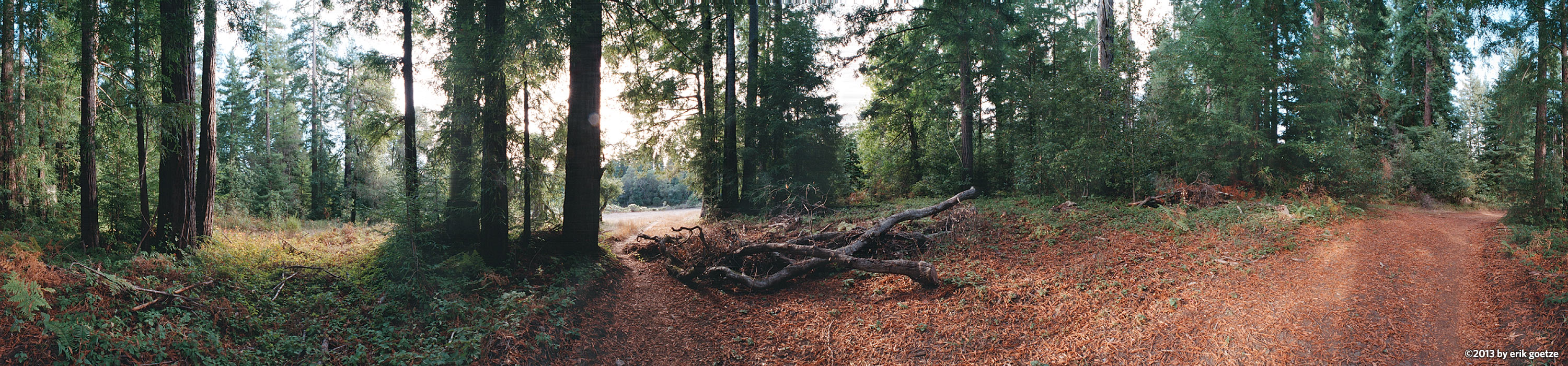 This 360 panorama is of Redwoods in Wilder Ranch, California
VirtualParks.org maps
About the maps developed for this site
"Ironically, the maps that he created originally to show the locations of the panoramas have now become a major attraction in their own right. There are more than two dozen custom maps on the site ... While Goetze still includes a caveat indicating they're meant only to pinpoint where he shot his art, in many cases the hand-tooled maps are markedly better for trail navigation than anything available from the parks themselves. In some cases, his maps are the only decent trail maps available. The maps are so good that he now finds himself fielding requests from hikers who want him to expand the series. "--David Plotnikoff writing for the San Jose Mercury News, March 21, 1999
Why the site has the maps it has
Some time after the Merc article was published, the Art of Geography created the official park maps for Big Basin, Wilder Ranch, Henry Cowell, Castle Rock, and Portola Redwoods State Park as an outgrowth of the maps developed for VirtualParks to show where panoramas are located. This all happened before the advent and widespread availability of interactive maps such as Google Maps.
Where did the maps go?
For a long time these and other park maps were available from a map library section on VirtualParks. Since then the Art of Geography website has been developed for these kinds of mapping projects, while VirtualParks has been refocussed on panoramic photography.
You can still obtain these quality maps from:
and proceeds from purchasing the maps helps provide funding for educational programs, visitor services and capital projects at the parks.
Go to
